Philips Hue Bridge Pro
Updated April 24, 2026
By Drew Derekshaw
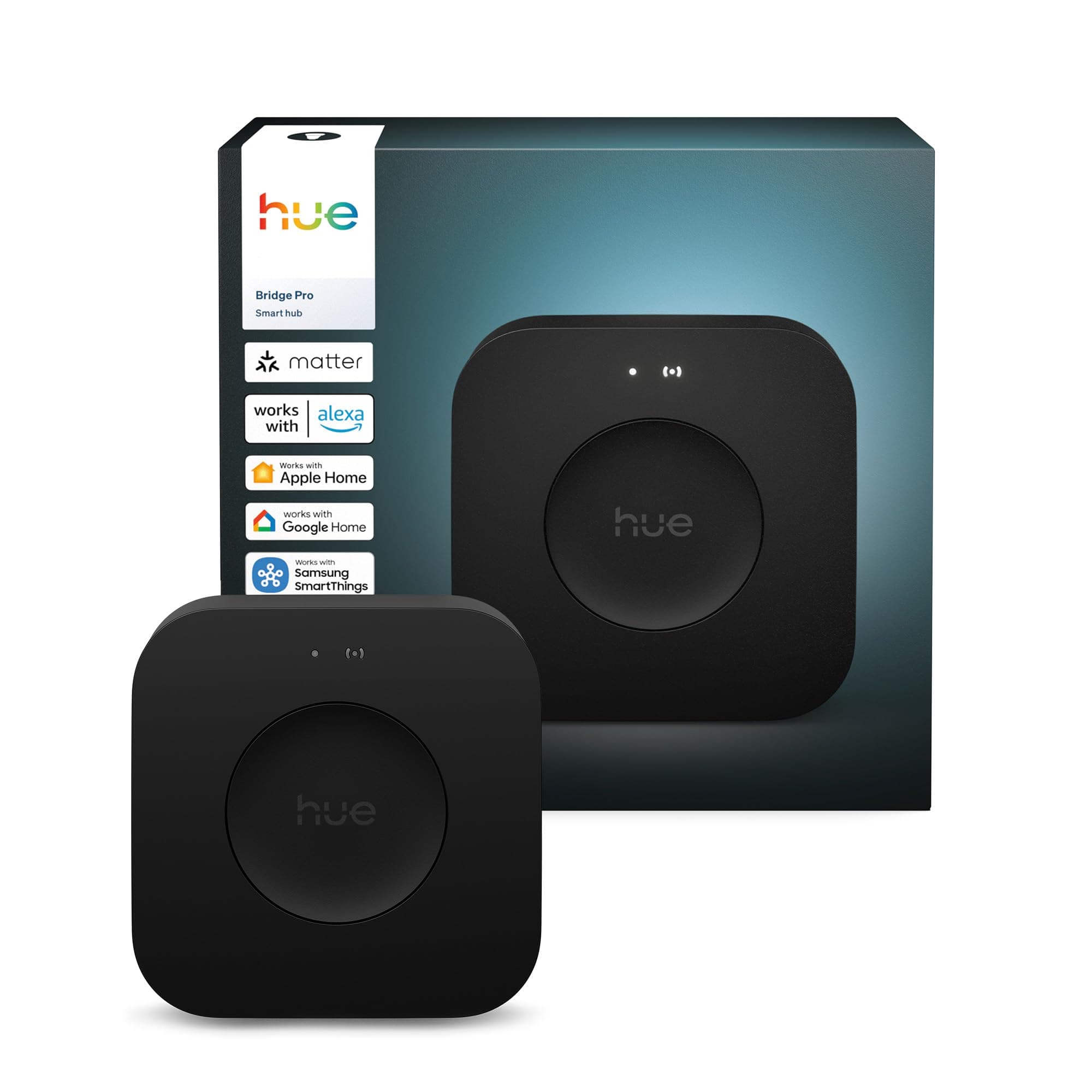
Philips Hue Bridge Pro. Check our full review for pros, cons, and verdict.
See PricePros
- +Supports 150 lights, 50 accessories, and 500 scenes (3x the old bridge)
- +Quad-core 1.7 GHz processor with 8GB RAM, dramatically faster response
- +Wi-Fi connectivity, no longer requires Ethernet-only placement
- +SpatialAware: AR-mapped 3D room scenes arriving spring 2026
- +Smooth migration from old bridge, carries over rooms, scenes, and automations
- +Works with HomeKit, Alexa, Google Home, SmartThings, and Matter
Cons
- -Some legacy Hue devices (LivingColors, older Ambilight TVs) lose compatibility
- -MotionAware security alerts require a paid subscription
- -HomeKit reconnection issues reported by some users after migration
- -Overkill if your current setup has fewer than 20 lights
Our Verdict
The Hue Bridge Pro is a long-overdue upgrade to the Philips Hue ecosystem. It triples device capacity (150 lights, 50 accessories), adds Wi-Fi, and runs on a quad-core processor with 8GB RAM. SpatialAware, arriving spring 2026, is the killer feature: AR-mapped 3D room scenes that make lighting feel genuinely immersive. If you have more than 20 Hue lights or plan to expand, this is worth the upgrade. If you have a small setup that works fine, the old bridge still does the job.
Overview
The Philips Hue Bridge Pro is the first real hardware upgrade to the Hue ecosystem's backbone since 2015. The old bridge had a 600 MHz single-core processor, 256 MB of RAM, and maxed out at 50 lights. The Bridge Pro has a 1.7 GHz quad-core processor, 8 GB of DDR4 RAM, and supports 150 lights, 50 accessories, and 500 scenes. It also adds Wi-Fi, so you're no longer forced to place it next to your router.
The big upcoming feature is SpatialAware, announced at CES 2026. It uses your phone's camera and AR to scan each room in 3D, mapping where every light is positioned. Then it designs scenes that account for physical placement. A sunset scene puts warm golden tones on the side of the room facing the window and cooler shades on the opposite wall. It runs locally on the Bridge Pro's processor, no cloud required. Hueblog reports the launch is imminent.
The Bridge Pro has 243 Amazon ratings at 4.3 stars. Most owners are upgrading from the old V2 bridge and are happy with the speed improvement. The main complaints are about migration issues with legacy devices and HomeKit.
Key Features
The capacity jump is the practical selling point. If you had two old bridges because you hit the 50-light limit, you can now consolidate everything into one Bridge Pro. A firmware update in December 2025 added multi-bridge migration, so you can merge multiple old bridges into a single Pro.
Wi-Fi means you can put the Bridge Pro anywhere in your house, not tied to an Ethernet cable next to your router. Ethernet is still available if you prefer a wired connection. Power switched from micro-USB to USB-C.
MotionAware is a free feature that turns lights on when the bridge detects motion through compatible Hue sensors. Security alert notifications (push notifications when motion is detected while you're away) require a subscription at about a dollar a month.
Compatibility is unchanged. HomeKit, Alexa, Google Home, SmartThings, and Matter all work. The Bridge Pro is a Zigbee hub, so it communicates with Hue bulbs over Zigbee and with your network over Wi-Fi or Ethernet.
Performance
The speed difference is real. Trusted Reviews found that a kitchen dimmer that previously needed multiple presses to turn on now works on the first touch. Turning on three rooms simultaneously used to happen sequentially on the old bridge. On the Bridge Pro, it happens almost simultaneously.
One Amazon reviewer with 45 lights said migration took less than 20 minutes and everything transferred: rooms, scenes, automations. Another who consolidated three old bridges into one Pro said it "freed up internet bandwidth with smooth Zigbee responsiveness."
The migration process works well for single-bridge setups. You plug in the Bridge Pro, open the Hue app, and follow the wizard. It carries everything over. Multi-bridge consolidation is more involved but functional since the December 2025 update.
Where things go wrong is edge cases. One Amazon reviewer spent hours troubleshooting because the reset instructions in the app were wrong for the old bridge. Another found that some legacy LivingColors lamps stopped working after migration. A Home Assistant community user worried about entity IDs changing and breaking automations. If you have older or unusual Hue gear, research compatibility before migrating.
Build Quality & Design
The Bridge Pro is a small black puck, about the size of a hockey puck. It's unremarkable, which is fine. You're going to put it on a shelf and forget about it. The USB-C power connection is a welcome upgrade from micro-USB.
Build quality is standard consumer electronics. There's nothing to break or wear out since it's a passive network hub with no moving parts. Longevity depends on software support from Signify (Philips' parent company), and given they supported the V2 bridge for a decade, the Pro should have a long lifespan.
Value for Money
The Bridge Pro is reasonably priced for what it does. The old V2 bridge costs about half as much and still works fine for small setups under 50 lights. If you have fewer than 20 Hue lights and no plans to expand, the old bridge is enough.
The real value proposition is SpatialAware. When it launches, the Bridge Pro will be the only way to get AR-mapped room scenes, and that's a feature that could change how people think about smart lighting. If you're buying into the Hue ecosystem now, start with the Bridge Pro so you're ready for it.
Compared to alternatives: the IKEA Dirigera hub is much cheaper but has a fraction of the ecosystem and reliability. Home Assistant on a Raspberry Pi is more flexible and cheaper, but it requires significant technical effort. For most people who want smart lighting that works without fiddling, Hue is still the standard, and the Bridge Pro is the version to buy.
Who Should Buy This
Anyone building a new Hue setup. Start with the Bridge Pro instead of the old bridge. The capacity headroom and SpatialAware readiness are worth the modest price premium.
Existing Hue owners who have hit the 50-light limit or are running multiple bridges. The consolidation alone makes it worth it.
Anyone interested in SpatialAware. If AR-mapped lighting scenes sound appealing, you need the Bridge Pro to use them. The old bridge won't support it.
Who Should Skip This
If you have a small Hue setup (under 20 lights) that works perfectly on the old bridge, there's no urgent reason to upgrade. The speed improvements are nice but not life-changing for small setups.
If you rely on legacy Hue devices like LivingColors lamps or older Ambilight TV integration, check compatibility first. Some older devices lose support on the Bridge Pro.
If you use Hue purely through Home Assistant and don't care about the Hue app's features, the old bridge works fine as a Zigbee radio and the Bridge Pro's app-centric features won't matter to you.
Recommended Articles
Best Galaxy Projectors 2026
The top galaxy and star projectors for bedrooms, from budget nebula lights to smart projectors with Alexa and Bluetooth speakers.
Best Realistic Star Projectors 2026
The best realistic star and planetarium projectors for detailed space imagery, quiet bedrooms, and adult spaces.
Best Premium Galaxy Projectors 2026
Premium galaxy projectors compared for smart-home control, realistic imagery, large projections, and build quality.
Suggested Reads
Best Outdoor String Lights 2026
Our top picks for outdoor string lights, from budget solar options to heavy-duty commercial-grade strands for patios, decks, and backyards.
Best Peel & Stick Wallpaper 2026
Our top picks for peel and stick wallpaper, from bold florals and grasscloth textures to budget-friendly accent wall options that renters can remove without damage.
Best Cordless Cellular Shades 2026
The best no-drill cordless cellular shades and honeycomb blinds for renters and homeowners. Blackout and light filtering options that install in seconds without tools.
Best Solar Garden Lights 2026
Our top picks for solar garden lights, including pathway stakes, decorative globe lights, and firefly-style accents that charge during the day and glow all night.